

Caplinger Creations
Distress Studio - Batch Distress Tool for PNG Designs
Distress Studio - Batch Distress Tool for PNG Designs
Regular price
$25.00 USD
Regular price
Sale price
$25.00 USD
Unit price
per
Couldn't load pickup availability
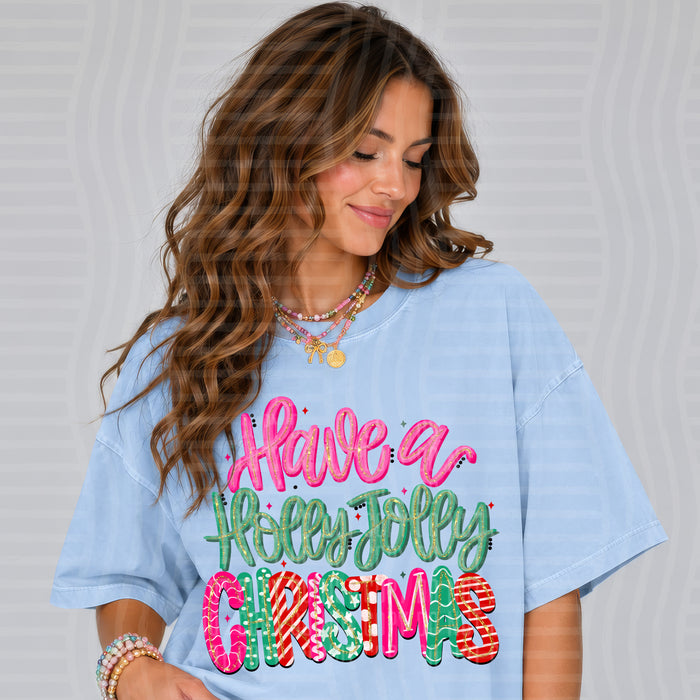
Distress a whole folder of designs in minutes, no Photoshop needed.
Distress Studio is a simple tool that runs in your web browser, on your computer or iPad. Add a folder of PNG designs, pick a texture, slide to how worn you want them, and it saves a distressed copy of every single design for you. Your original files are never changed.
What it does
- Distresses an entire folder at once, including the folders inside it (great for color folders and alpha sets)
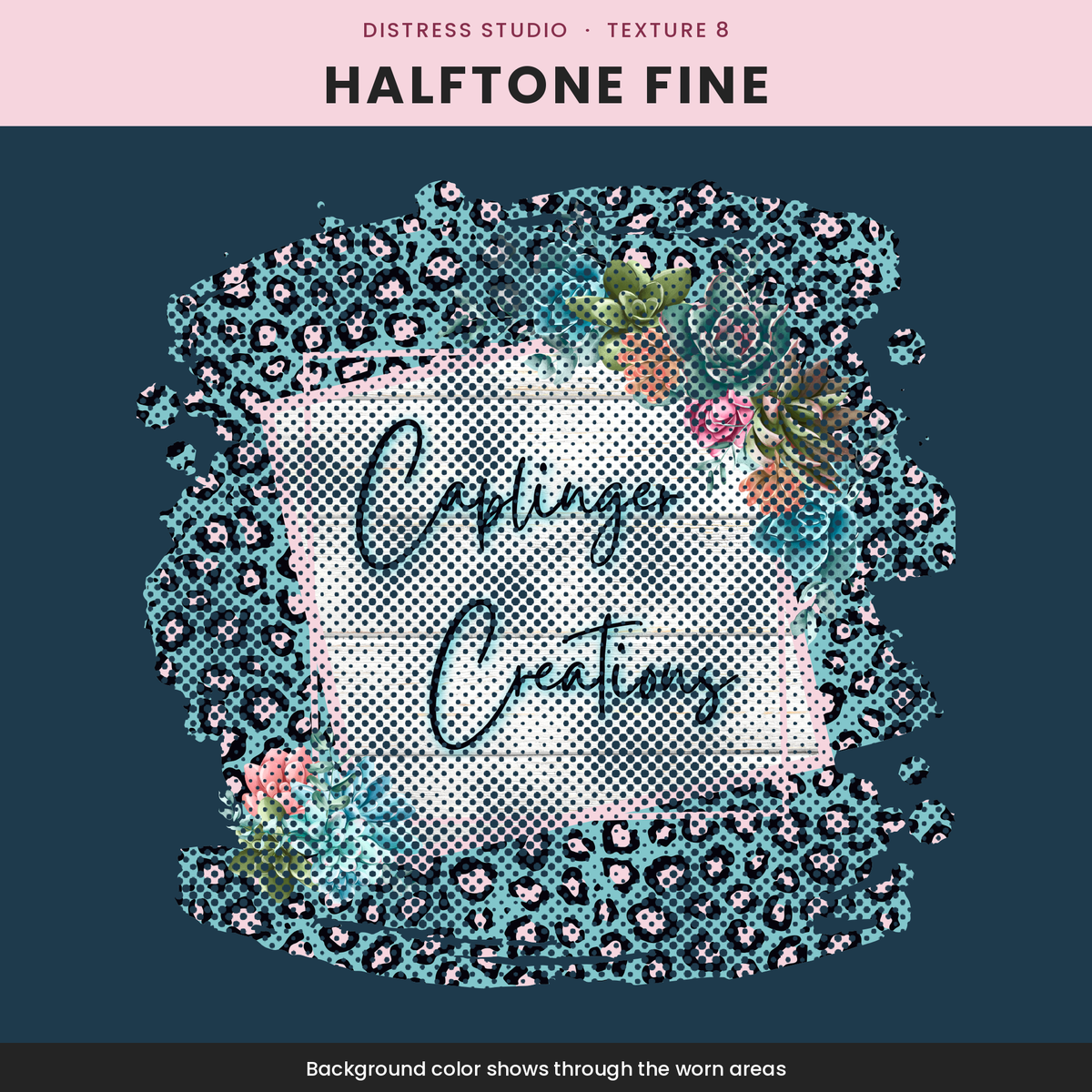
- 8 built-in textures: Speckle, Grunge, Worn Print, Scratches, Splatter, Crackle, Halftone and Halftone Fine
- Use your own texture too (PNG or JPG)
- Sliders for Amount, Speck Size and Strength, with a live preview
- Makes every design a little different, so they don't all look stamped the same
- Keeps your file names, folders, size and resolution (ppi), with transparent backgrounds
- Works right on your own device: your designs are never uploaded anywhere
What you get
- Use it online at caplingercreations.shop/pages/distress-studio on your computer or iPad. Just sign in with the email you bought with.
- 1 file: Caplinger Distress Studio.html (instant download) to keep on your computer
What you need
- Computer: Mac or Windows with Google Chrome (recommended) or Microsoft Edge. Safari and Firefox also work, but save your designs as one zip file instead.
- iPad: Safari, with your PNG designs saved in the Files app or Photos. Designs up to about 16 megapixels each work on iPad (for example 3600 x 3600 or 4000 x 4000). Bigger designs need a computer.
How to use
- Download the file and save it somewhere easy to find, like your Desktop.
- Open it: double-click the file. If it opens in a different browser, right-click it and choose Open With → Google Chrome.
- Add your designs: click "Choose a folder" or drag a folder onto the page.
- Pick a texture in step 2.
- Adjust Amount, Speck Size and Strength until the preview looks right. Use the arrows to check a few designs, and hold "Hold to see original" to compare.
- Save: click "Distress all designs." In Chrome, choose where to save, and a "Distressed" folder is made there with all your new files. In other browsers you'll get one zip file.
Using it on iPad
- Open caplingercreations.shop/pages/distress-studio in Safari and sign in with the email you bought with.
- Tap Choose designs and pick your PNGs. Picking from the Files app keeps see-through backgrounds.
- Pick a texture and adjust the sliders until the preview looks right.
- Tap Distress all designs, then tap Save. Big batches come in parts; tap Save for each one.
- Open the Files app, go to Downloads and tap the zip to open your distressed designs.
Tip: Try a small folder first to find the look you like, then run your big folders.
Troubleshooting
- Nothing happens when I open the file: make sure you downloaded it first. Opening it from an email or message preview won't work. Save it to your computer, then double-click it.
- It opened as code or text: right-click the file and choose Open With → Google Chrome.
- "No PNG, JPG or WEBP files were in that folder": the folder may only hold other file types (like PSD or SVG). Export your designs as PNG first.
- I got a zip instead of a folder: that's normal in Safari and Firefox. Double-click the zip to open it. For folder saving, use Chrome.
- It stopped or said it ran out of memory: do smaller folders at a time, close other tabs, or use Chrome.
- The online page says I don't have it: sign in with the same email you used to buy. Still stuck? Message us and we'll get you in.
- The distress is too strong or too light: lower or raise Amount and Strength. Change Speck Size for smaller or bigger specks.
- The preview dots look patterned: the preview is shrunk down. Your saved files are full size and look clean.
- The fonts look plain: you're offline. The tool still works the same.
- Still stuck? Message us through the store and we'll help.
Terms of use
- One purchase = one license for one person (you and your own business).
- You may use the designs you distress with this tool in your personal and commercial products, as long as you have the rights to the original designs.
- Do not share, resell, give away, or upload the Distress Studio file, your website access, or its built-in textures anywhere, including file-sharing groups.
- Do not copy, change, or rebrand the tool to sell or share as your own.
- Because this is an instant digital download, all sales are final and no refunds are given. If something isn't working, contact us and we'll help.
- © Caplinger Creations. All rights reserved.